
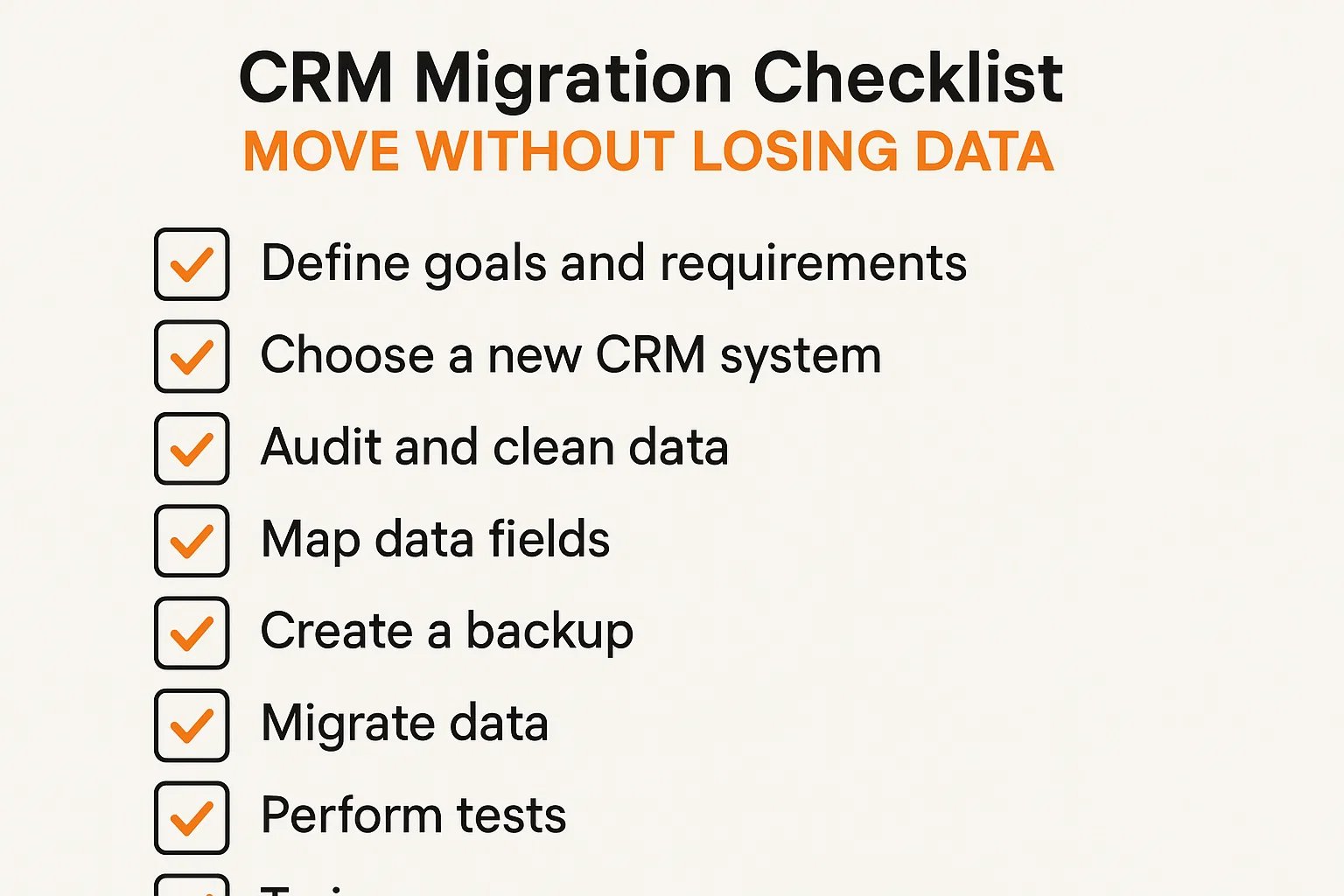
Migrating your CRM can be a daunting task. With the right plan, checklist, and tools, your agency or business can move CRM systems seamlessly, minimize downtime, and ensure no data is lost in the process. In this comprehensive guide, we'll cover every aspect of a successful CRM migration.
Why CRM Migration Matters
CRM migration is more than just transferring data. It’s about ensuring continuity in customer relationships, maintaining historical insights, and upgrading to a platform that better suits your business needs. A failed migration can result in lost leads, disrupted workflows, and lower revenue.
Pre-Migration Planning
- Define Your Objectives: Know why you are migrating—better features, scalability, or integrations.
- Audit Current CRM Data: Identify active, outdated, duplicate, and incomplete records.
- Stakeholder Involvement: Include sales, marketing, and IT teams.
- Set Timeline: Schedule migration to minimize operational disruption.
Data Preparation
- Clean the database by removing duplicates and obsolete entries.
- Standardize data fields for consistency.
- Export and securely back up current CRM data.
- Prepare accurate data mapping for the new CRM.
Choosing the Right Migration Tools
Selecting proper tools simplifies CRM migration and protects data integrity. Look for:
- Automated migration with pre-built connectors.
- Data validation and integrity checks.
- Support for large-scale transfers.
- Real-time monitoring and rollback options.
| Tool | Best For | Features | Pricing |
|---|---|---|---|
| Data2CRM | Complex CRM migrations | Automated transfer, field mapping, bulk import/export | From $299 |
| Trujay | Small to mid-size businesses | Data migration, backups, real-time tracking | Custom pricing |
| Import2 Wizard | Agencies and SaaS companies | Multi-platform migration, data cleaning, integration support | From $99/month |
Step-by-Step CRM Migration Checklist
- Backup all existing CRM data securely.
- Export data in compatible formats (CSV, Excel, JSON).
- Clean exported data for duplicates and inconsistencies.
- Map old CRM fields to new CRM structure.
- Test migration with a sample dataset.
- Run full migration and verify integrity.
- Train team members on the new CRM.
- Monitor post-migration performance and fix issues quickly.
Common Migration Challenges & Solutions
- Data Loss: Always create backups and validate after migration.
- Field Mapping Issues: Test mappings with sample data first.
- Downtime: Schedule migration during off-peak hours.
- User Adoption: Provide training and onboarding support.
- Integration Conflicts: Re-test email, analytics, and marketing integrations.
Post-Migration Steps
- Verify contacts, leads, and deals migrated correctly.
- Check workflows, automations, and templates.
- Confirm third-party integrations are working.
- Review analytics and reporting accuracy.
- Collect team feedback for optimization.
Best Practices for Smooth CRM Migration
- Communicate migration plans clearly with stakeholders.
- Use trusted migration tools instead of manual entry.
- Perform multiple test runs before final migration.
- Maintain GDPR/CCPA data security compliance.
- Provide continuous training and support.
Conclusion
A successful CRM migration ensures business continuity, improved workflows, and better use of your upgraded CRM platform. By following this checklist and leveraging reliable tools, businesses can migrate without losing data, reduce downtime, and maximize long-term ROI.
Frequently Asked Questions (FAQs)
1. How long does CRM migration take?
Small migrations may take hours, while enterprise migrations can take several days.
2. Can I migrate between any CRM platforms?
Most modern CRMs support migration, though complex systems may require specialized tools.
3. Is backing up old CRM data necessary?
Yes, backups protect against accidental loss during migration.
4. What if data formats don’t match?
Field mapping and transformation tools convert data into compatible formats.
5. How do I ensure user adoption after migration?
Provide training, tutorials, and ongoing technical support.